
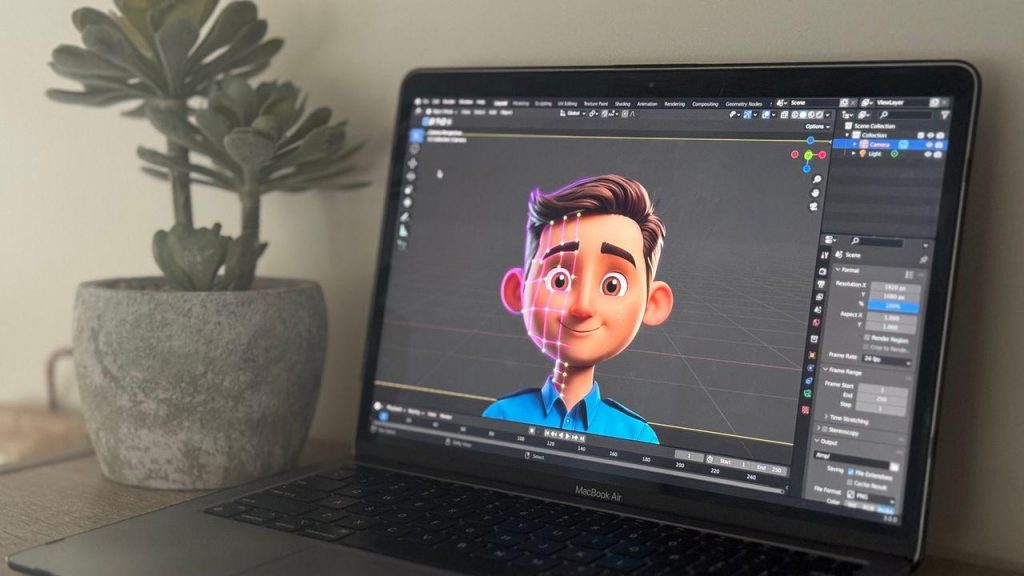
Animation has moved far beyond the exclusive domain of large studios. Today, the best animation software for 2D and 3D projects is accessible to beginners, freelancers, content creators, and professional teams alike, thanks to improved interfaces, cloud rendering, and flexible pricing models. Whether you’re producing an explainer video, a mobile game, a short film, or social media content, choosing the right tool can dramatically affect your workflow, output quality, and production timeline. This guide compares leading animation solutions based on features, ease of use, pricing, and project requirements so you can make an informed decision.
In this guide, you’ll discover:
- The essential features every animation program should offer
- Key differences between 2D and 3D animation software
- Top software picks for beginners, professionals, and content creators
- Hardware and workflow considerations for smooth production
- Common mistakes to avoid and emerging trends shaping the industry
What to Look for in the Best Animation Software
Selecting animation software isn’t about picking the most expensive or feature-packed option available. The right choice depends on your skill level, project type, workflow, and budget. A hobbyist creating short social clips has very different needs than a studio producing a feature-length 3D film.
Essential Features Every Animation Program Should Offer
Regardless of whether you’re working in 2D or 3D, certain core features determine how efficiently you can bring ideas to life.
| Feature | Purpose |
|---|---|
| Timeline editing | Organizes scenes, layers, and keyframes chronologically |
| Keyframe animation | Defines start/end points for smooth motion transitions |
| Rigging tools | Creates skeletal structures for character movement |
| Motion paths | Controls object trajectory and easing |
| Asset libraries | Speeds up production with reusable elements |
| Rendering engine | Converts project files into final video output |
| Audio synchronization | Aligns animation with dialogue, music, and sound effects |
| Export formats | Ensures compatibility across platforms (MP4, GIF, image sequences) |
These features matter because they directly affect production speed and final polish, whether you’re animating a 2D explainer or a fully rigged 3D character.
Choosing Between 2D and 3D Animation Software
Animation type affects everything from the learning curve to hardware demands and typical use cases.
| Aspect | 2D Animation Software | 3D Animation Software |
|---|---|---|
| Learning curve | Generally gentler | Steeper, more technical |
| Production workflow | Frame-by-frame or vector-based | Modeling, rigging, simulation, rendering |
| Hardware requirements | Moderate | High-end GPU and RAM recommended |
| Common use cases | Explainer videos, cartoons, social content | Games, films, advertising, product visualization |
Free vs. Paid Animation Software
Pricing models vary widely, from completely open-source platforms to premium subscriptions with advanced rendering and support.
- Free/open-source software is sufficient for beginners, students, hobbyists, and simple 2D projects
- Freemium tools work well when you need core features now and plan to scale later
- Subscription-based software suits professionals needing regular updates and cloud collaboration
- Perpetual licenses are worthwhile for studios with stable, long-term production needs and no interest in recurring fees
The Best Animation Software for Different Types of Projects

Rather than naming one universal “best” program, it’s more useful to match software categories to specific project goals and skill levels.
Best Software for 2D Animation
Dedicated 2D tools excel at frame-by-frame drawing, vector-based animation, and character rigging for traditional-style workflows.
| Software Type | Ideal Users | Standout Features | Learning Curve | Pricing Model |
|---|---|---|---|---|
| Vector-based 2D tools | Content creators, marketers | Scalable graphics, rigging | Moderate | Subscription |
| Frame-by-frame animation tools | Traditional animators, illustrators | Hand-drawn frame control | Steep | Perpetual/subscription |
| Motion graphics software | Social media creators | Templates, quick export | Low | Freemium |
Best Software for 3D Animation
Professional 3D applications handle modeling, sculpting, rigging, simulation, lighting, and rendering for complex visual output.
| Software Category | Workflow Strength | Rendering Capability | Ease of Learning | Professional Use |
|---|---|---|---|---|
| Full production suites | End-to-end pipeline | High-fidelity, physically based | Difficult | Film, VFX |
| Game-focused 3D tools | Real-time asset creation | Real-time rendering | Moderate | Game development |
| Sculpting-focused software | Organic character detail | Render-agnostic | Moderate-to-steep | Character design |
Best Animation Software for Beginners, Professionals, and Content Creators
- Beginners: Look for intuitive interfaces, built-in tutorials, and template libraries
- Content creators: Prioritize fast export, social media presets, and motion graphics templates
- Game developers: Choose software with real-time rendering and engine integration
- Film and VFX professionals: Invest in full production suites with advanced simulation and compositing tools
- Marketing teams: Focus on ease of use and quick turnaround over deep technical customization
How to Choose the Right Animation Software for Your Workflow
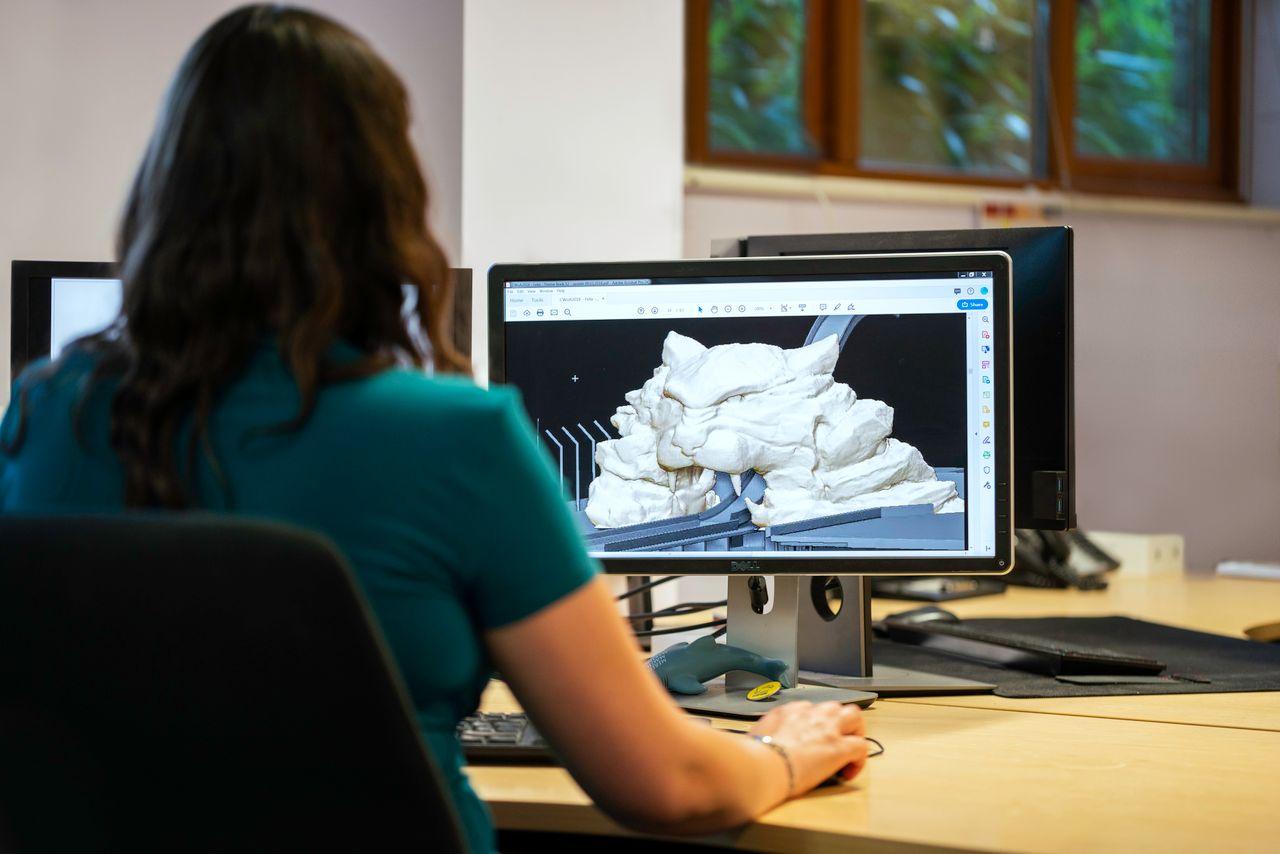
Beyond features and price, practical factors like hardware compatibility, team collaboration, and scalability determine whether software fits your long-term workflow.
Compatibility, Performance, and System Requirements
Animation software, especially 3D applications, can be demanding on hardware.
| Workload Type | GPU Requirement | RAM Recommendation | Storage Needs |
|---|---|---|---|
| Basic 2D animation | Integrated graphics sufficient | 8–16 GB | Moderate (SSD preferred) |
| Advanced 2D/motion graphics | Dedicated GPU recommended | 16 GB | Moderate-to-high |
| 3D modeling and rendering | High-end dedicated GPU | 32 GB or more | High-speed SSD, large capacity |
Cloud collaboration features are increasingly important for remote teams, allowing shared asset libraries and synchronized project files without local hardware bottlenecks.
Ease of Learning and Available Learning Resources
A shorter learning curve often comes down to the quality of support surrounding the software itself.
- Clear, well-organized documentation
- Official video tutorials and onboarding guides
- Active user communities and forums
- Certification or training programs
- A robust plugin and extension ecosystem
Budget and Long-Term Value
Before purchasing, consider the total cost of ownership rather than just the upfront price.
- Does the licensing model include free updates, or are upgrades a separate cost?
- Are essential plugins included, or purchased separately?
- Does the software require cloud storage subscriptions?
- Will the tool scale with more complex future projects?
- Is there a free trial or lower-tier plan to test before committing?
Tips for Getting Better Results with Animation Software
Choosing the right tool is only half the equation — how you use it determines final quality and efficiency.
Building an Efficient Animation Workflow
- Plan the concept and write a clear script or outline
- Create a storyboard to map scenes and transitions
- Organize assets into labeled folders before animating
- Animate in stages, from rough blocking to refined motion
- Implement version control to track project revisions
- Render in batches to manage system resources
- Back up files regularly to avoid data loss
Common Mistakes New Animators Should Avoid
- Choosing overly complex software before mastering fundamentals — start simple and scale up
- Ignoring hardware requirements, leading to slow rendering and crashes
- Skipping the planning phase, resulting in inconsistent pacing
- Poor file organization, which causes wasted time locating assets
- Neglecting optimization, such as unnecessarily high-poly models or unoptimized textures
Future Trends in Animation Software
The animation industry continues to evolve rapidly, driven by new technologies.
- AI-assisted animation for automated in-betweening and motion suggestions
- Real-time rendering engines reducing wait times between edits and final output
- Procedural animation for generating complex motion with fewer manual keyframes
- Cloud-based collaboration enabling distributed teams to work simultaneously
- Virtual production blending live-action and animated elements in real time
- Improved cross-platform compatibility across desktop, tablet, and web-based tools
For deeper technical documentation on rendering pipelines and industry standards, resources like Blender’s official documentation and the Autodesk Knowledge Network provide authoritative, up-to-date references.
Conclusion
There is no single “best” animation software — the right choice depends on your experience level, creative goals, workflow requirements, hardware, and budget. Beginners may benefit from intuitive, low-cost tools with strong learning resources, while studios and professionals often require powerful, scalable software capable of handling complex 3D pipelines. When evaluating your options, prioritize long-term usability, scalability, and available learning resources over short-term pricing alone. By matching software capabilities to your specific project needs, you’ll set a solid foundation for efficient, high-quality animation production.